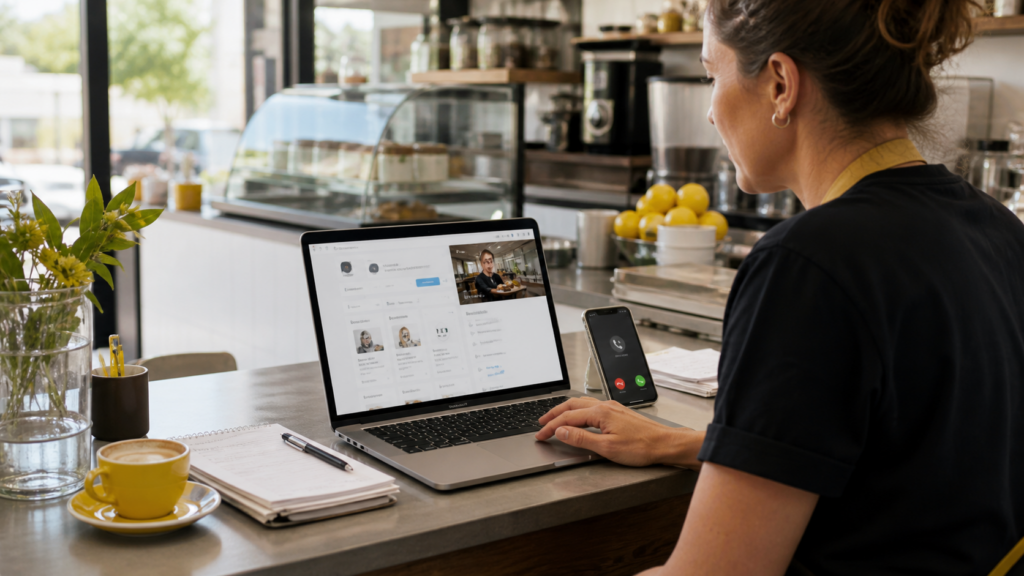
Google Business Profile posts are short updates you publish on your Business Profile so people can see offers, news, events and service updates in Google Search and Maps. They can help calls when they match what local customers need right now, use a clear photo, and point people to one action such as calling, booking or asking for a quote.
What do Google Business Profile posts do for ranking and calls?
Google Business Profile posts give searchers fresh reasons to contact you when they view your profile. They do not replace reviews, categories, services or proximity, but they support local visibility by keeping your profile active and useful.
Think of posts as the noticeboard beside your main profile. Your opening hours, reviews, services and location tell Google what you are. Posts tell customers what is happening now.
For a local service business, that might mean a winter heater service reminder, a school-holiday offer, a same-week appointment update or a short before-and-after job note. People scanning your profile are often close to action. A good post helps them stop comparing and call.
Google explains that posts can appear in different areas of Search and Maps, including profile update areas. For current product rules, check Google’s Business Profile post guidance.
What types of Google Business posts should you use?
The main Google Business Profile post types are updates, offers and events. Use updates for normal news, offers for limited-time deals, and events for dated workshops, open days, launches or local appearances.
| Post Type | Use It For | Best CTA |
|---|---|---|
| Update | New services, seasonal reminders, team news, completed jobs | Call now or Learn more |
| Offer | Discounts, bundles, free checks, limited promotions | View offer or Call now |
| Event | Open days, classes, webinars, in-store sessions | Book or Sign up |
Updates are your steady weekly option. They work well for service notes like “air conditioner checks before summer” or “new Saturday appointments available”.
Offers need a clear deadline. If the offer has no end date, people delay. Add terms, dates and one direct action.
Events work best when you also have a page on your website with event details. That gives Google and customers a stronger source to connect with the post.

How do you write Google Business Profile posts that drive calls?
Write the first line for someone who is already comparing local options. Name the service, location or problem, then give them one next step.
A good post answers four things fast:
- What is this about?
- Who is it for?
- Why should someone act now?
- What should they do next?
Use this structure:
- Service or problem first: “Blocked drain in Parramatta?”
- Useful detail next: “We have same-week inspection times available.”
- Proof or reassurance: “Licensed team, clear pricing before work starts.”
- Action: “Tap Call to book a time.”
Do not stuff the post with every service you offer. One post should sell one action.
Google notes that posts with phone numbers in the description may be rejected. Use the Call button or your profile call action instead of typing the phone number into the post body.
What should you post on Google Business if you are short on ideas?
Good GBP posts ideas usually come from the questions customers already ask. If someone asks it by phone, in email or at the counter, it can become a post.
Try these local business google posts:
- A seasonal reminder: “Book your pre-summer AC check before the first hot week.”
- A common question: “Do you service units in apartments? Yes, here is what to know.”
- A small offer: “Free quote for new website copy this month.”
- A job story: “Before-and-after photos from a local shopfront refresh.”
- A trust post: “Meet the technician who handles our emergency callouts.”
- A service-area note: “Now taking bookings across Penrith and nearby suburbs.”
This is also where content and SEO connect. If your website has a useful page about a service, link the post to that page. Circular Marketing’s SEO team builds that kind of local search structure, while the content creation team can turn customer questions into posts, blogs and landing page copy.
What photos and offers work best in Google Business posts?
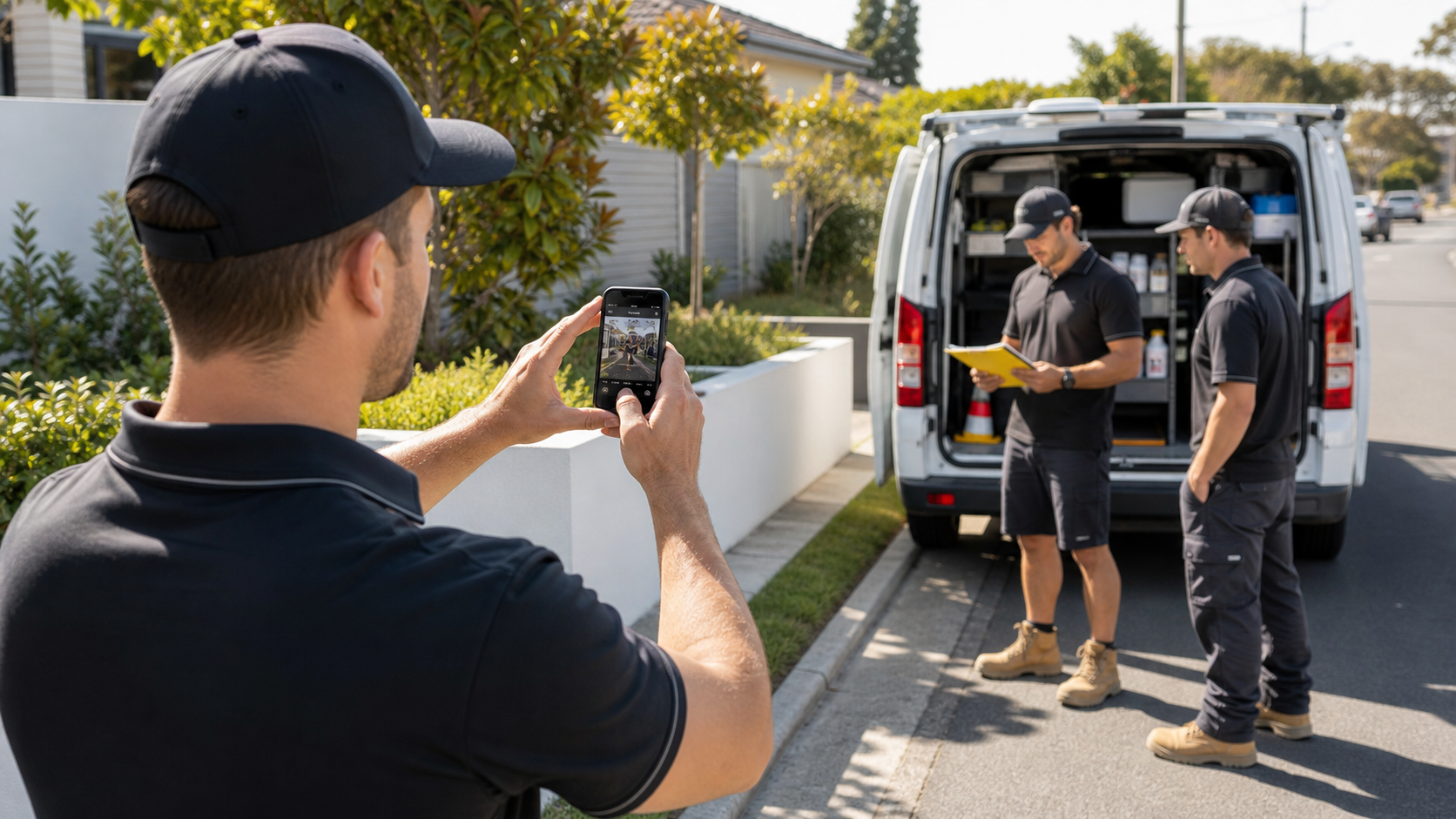
Use original photos that show your work, team, product, location or result. A plain phone photo from a real job often beats a polished stock image because it proves the business is active.
For service businesses, take photos of:
- Completed work, before cleanup if the result is visible
- A team member setting up equipment
- A branded vehicle without showing number plates
- Tools, products or materials used in the job
- The front of your store, clinic, salon or office
For offers, keep the deal easy to understand. “10% off” is fine, but “free inspection with any repair booking this week” is often clearer for service businesses.
Avoid false urgency. If the offer ends Friday, say Friday. If it is ongoing, call it a standing offer rather than pretending it expires.
How often should local businesses post?
Most local SMBs should publish one Google Business Profile post each week. A weekly rhythm is realistic, keeps the profile current, and gives you enough room to rotate updates, offers, photos and customer questions.
| Week | Post Idea | Example |
|---|---|---|
| Week 1 | Service reminder | Book tax-time bookkeeping cleanup before BAS lodgement. |
| Week 2 | Photo proof | Recent bathroom tile repair in the local area. |
| Week 3 | Offer | Free 15-minute website review for local businesses this month. |
| Week 4 | FAQ | How long does a first appointment take? |
If weekly feels too much, start with two posts per month. Consistency beats a burst of five posts followed by silence.
What do Google Business posts look like by industry?
The best local posts sound specific to the customer’s problem. A generic “call us today” post is easy to ignore.
Here are examples by industry:
- Dentist: “Tooth pain before the weekend? We have emergency appointment times available this Thursday.”
- Plumber: “Slow drains after heavy rain? Ask for a drain camera inspection before it becomes a blockage.”
- Cafe: “Fresh winter menu starts Monday. See our new lunch specials and order ahead.”
- Accountant: “BAS deadline coming up? Send your records this week so we can check missing items early.”
- Hair salon: “Colour appointments available next Tuesday and Wednesday. Book your consultation online.”
- Marketing agency: “Need more local enquiries? Start with profile categories, services, reviews and weekly GBP posts.”
If you manage several suburbs, write posts around real service areas, not a copied line with the suburb swapped. Customers can spot lazy local copy fast.

When should you hand Google Business posts to a marketing team?
Hand it over when the profile has gone quiet, posts are getting no calls, or you need GBP posts to work with SEO, landing pages and tracking. Posting is simple. Turning posts into a local lead system takes planning.
A good agency should help with:
- Profile categories and services
- Post topics matched to search intent
- Photo direction
- Offer planning
- UTM tracking links
- Website pages that match the post topic
- Review and reputation signals
If you want help with Google Business Profile posts, local SEO or content planning, talk to Circular Marketing. The contact page is the best place to start, especially if you want posts tied to calls, bookings and website enquiries. You can also read our article on ranking higher on Google Maps in Australia for the profile setup work that supports posting.
Final Thoughts on Google Business Posts
Google Business Profile posts work best when they are specific, current and tied to one action. Write for the person who is already looking at your profile and deciding whether to call.
Start with one post a week. Use real photos. Rotate updates, offers and FAQs. Then track which posts lead to calls, bookings or direction requests.