
Your campaign can look busy while producing very little. Clicks rise, the daily limit gets used, and the phone stays quiet. If you suspect Google Ads wasting money is the cause, check the traffic, tracking and targeting before changing bids. Most leaks leave a trail inside the account.
This audit is written for Australian small businesses running their own campaigns. It shows where budget slips away, how to read the reports, and which settings deserve attention first. For broader campaign help, see Circular Marketing’s Google Ads management service.
Why Google Ads Is Wasting Money in Otherwise Active Campaigns
Budget leaks usually come from four places: loose query matching, missing exclusions, over-wide location settings and unreliable conversion data. Each one can make a campaign appear healthier than it is because Google Ads still records impressions and clicks.

Broad match is reaching the wrong searches
Broad match can find useful demand beyond your keyword list. It can also connect your ads with searches that share a loose meaning but carry the wrong intent. A plumber bidding on “blocked drain service” may appear for training, tools, jobs or do-it-yourself searches.
Broad match works best when conversion tracking is accurate, the campaign has enough clean conversion history, and someone reviews search terms often. If those conditions are missing, phrase and exact match give a self-managed account tighter control. This does not mean switching every keyword at once. Test changes by ad group and watch lead quality.
Missing negative keywords invite irrelevant clicks
Negative keywords stop ads from showing for searches you do not want. Common exclusions for service businesses include “jobs”, “course”, “salary”, “template”, “DIY” and locations outside the service area. Your list must reflect the business. A training provider would never block “course”.
Google states that negative keyword matching behaves differently from positive matching. Add the singular, plural and close alternatives that appear in your data. Shared negative lists can cover several campaigns, but confirm that each list is actually applied.
Location settings are wider than the service area
A campaign aimed at Sydney can still draw attention from people elsewhere if its location option includes users who show interest in Sydney. Open the campaign’s location settings and check whether you need people physically in, or regularly in, the target area.
Then compare targeted locations with matched locations. Suburb-level numbers can expose areas that use budget without sending qualified enquiries. Businesses serving several regions may get cleaner control from separate campaigns. Circular Marketing’s Sydney Google Ads service page shows how local campaign planning can match a defined market.
Read the Search Terms Report Before You Touch Bids
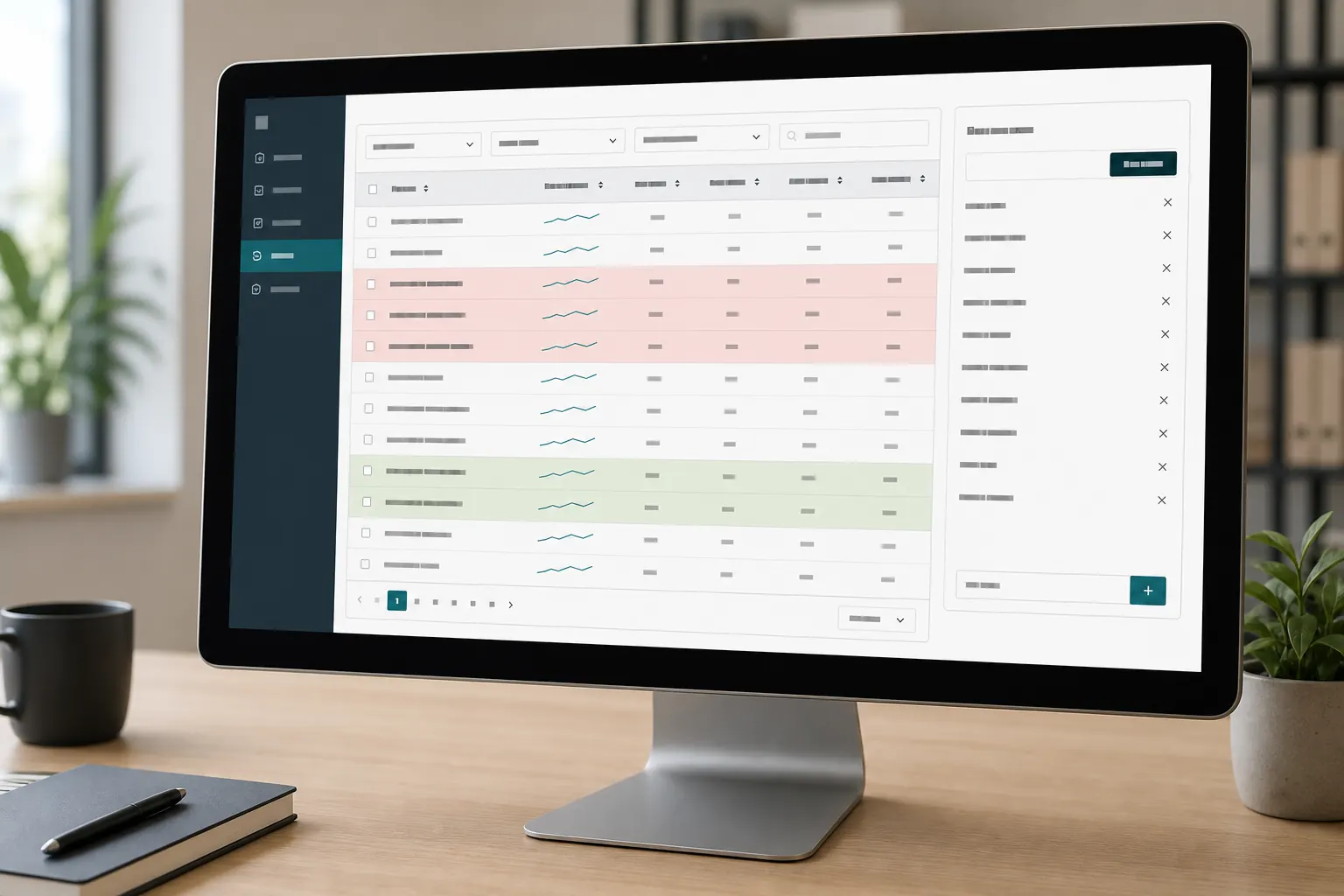
The search terms report shows the queries that triggered your ads. Review it before lowering bids or pausing keywords. A bad query cannot become a good lead through a smaller bid. Google recommends using the report to add useful queries as keywords and irrelevant queries as negatives.
Use a simple intent test
Open Campaigns > Insights and reports > Search terms. Set a useful date range, then add columns for clicks, conversions, conversion value and match type. Read the actual query as if a customer had said it aloud.
| Search-term signal | Likely intent | Action |
|---|---|---|
| Names the service and suburb | High local intent | Keep, then check the landing page |
| Includes jobs, training or salary | Employment or education | Add a negative where relevant |
| Asks for a service you do not offer | Commercial but irrelevant | Exclude the service term |
| Shows research intent only | Early-stage browsing | Exclude or move to a separate campaign |
| Has conversions but poor lead quality | False success signal | Fix tracking and qualify the enquiry |
Do not judge a term on one click. Look for repeated intent patterns. A cluster of irrelevant searches tells you more than a single odd query. If you want more context on automated matching, read how Google Ads automation affects lead quality.
For Google’s current menu steps and match-type notes, use the official search terms and negative keyword instructions.
Conversion Tracking Holes Make Google Ads Look Better Than It Is
If Google Ads is not converting, confirm what the account calls a conversion. Page views, button clicks and calls that last a few seconds can inflate the total. Smart Bidding then chases those weak signals because the account tells Google they count as success.

Check the full path
Test each primary action yourself. Submit the form, click the phone number on mobile and complete a purchase if the site sells online. Confirm that Google Tag Manager or the Google tag fires once, the event reaches GA4 where relevant, and Google Ads records the right action.
Watch for thank-you pages that load twice, forms that fire an event before submission, and calls counted without a useful duration rule. Mark true enquiries or sales as Primary. Keep supporting actions such as brochure views as Secondary so they remain visible without steering bids.
Compare advertising conversions with your CRM, booking tool or enquiry inbox. The numbers will rarely match exactly because attribution windows and consent settings differ. Large gaps need investigation. Circular Marketing’s marketing reporting service connects campaign activity with business outcomes, while its article on measuring digital marketing ROI explains which numbers belong in that comparison.
Tune Time, Device and Location Using Lead Quality
Segment campaign results by day, hour, device and location. Look beyond click-through rate. A segment deserves more attention when it sends valid leads at an acceptable rate, not when it produces cheap-looking traffic.
Ad schedule
Check whether enquiries arrive when someone can answer them. After-hours ads can work if customers leave forms or voicemail. If missed calls rarely turn into work, reduce exposure during those hours or send traffic to a form built for a quick response.
Device
Mobile users often call. Desktop users may complete longer forms. A weak mobile conversion rate can point to a slow page, tiny buttons or a buried phone link. Fix the page before cutting mobile traffic. The practical checks in getting more leads from your website can help separate an ad problem from a landing-page problem.
Location
Use the location report to find areas with clicks but no qualified enquiries. Exclude places you cannot serve. For mixed territories, split high-volume areas into separate campaigns so budgets, ads and landing pages can reflect the local service.
Quality Score Points to Relevance Problems
Quality Score is Google’s 1-to-10 diagnostic for Search keywords. Its components include expected click-through rate, ad relevance and landing-page experience. Use it to find weak connections between a query, an ad and the page a visitor reaches.
A low score does not tell you to chase a perfect 10. Start with keywords that attract meaningful traffic. Group close themes together, write ads that match the searcher’s request, and send each group to the most relevant page. Google’s keyword performance documentation explains where to add the Quality Score columns.
Landing-page speed and clarity still affect results after the click. A dedicated service page with a clear next step will usually beat a generic home page. Circular Marketing’s conversion-focused web development service covers the page side of that equation.
A 30-Minute Audit to Stop Google Ads Wasting Money
This fast audit checks the settings most likely to distort traffic or results. Work in order. Do not make a bidding decision until tracking and search intent pass inspection.

| Minutes | Check | What to record |
|---|---|---|
| 0–5 | Conversion actions | Primary actions, duplicates and missing events |
| 5–12 | Search terms | Irrelevant themes and negative keywords |
| 12–17 | Match types | Broad keywords with weak query control |
| 17–22 | Locations | Out-of-area traffic and presence settings |
| 22–26 | Time and device | Segments with weak qualified-lead rates |
| 26–30 | Ads and landing pages | Message gaps, slow pages and unclear actions |
Record the current date and settings before editing. Make a small batch of related changes, then allow enough time for new data. The account’s change history should show what moved and when.
What You Gain by Closing the Leaks
- More searches from people who can buy or enquire
- Conversion totals that reflect real business outcomes
- Cleaner signals for automated bidding
- Better control by suburb, hour and device
- Clearer decisions about where to stop wasting ad spend
Running an account yourself does not mean guessing alone. Compare this audit with Circular Marketing’s advice on Google Ads for Australian businesses and its SEO versus Google Ads comparison.
Final Thoughts
A useful Google Ads audit starts with truth: the searches people used, the actions they completed and the places they came from. If you want a second set of eyes, request a free ad account audit from Circular Marketing.
Frequently Asked Questions
Why is Google Ads spending but not converting?
The campaign may be matching irrelevant searches, sending visitors to a weak landing page or recording the wrong actions. Check the search terms report and test every primary conversion before changing bids.
How often should I check negative keywords?
Review search terms weekly in a new or fast-moving campaign. A stable account may need a less frequent check, but new products, locations and match-type changes should trigger another review.
Should a small business avoid broad match?
Broad match can work with accurate tracking, enough conversion history and regular query reviews. Phrase or exact match often gives a self-managed account tighter control while its data is still limited.
Which conversions should be marked Primary?
Use business outcomes such as qualified form submissions, useful phone calls, bookings or completed sales. Keep page views and other supporting actions as Secondary unless they represent a real goal.
Can location targeting show ads outside my area?
Yes. Location options can include people who show interest in a place. Check presence settings and the matched-locations report, then exclude areas the business cannot serve.
Does a low Quality Score mean I should pause a keyword?
No. Treat Quality Score as a diagnostic. Review expected click-through rate, ad relevance and landing-page experience, then weigh those findings against qualified leads.
What does a Google Ads audit in Australia check?
A focused Google Ads audit in Australia checks search terms, negative keywords, conversion actions, location options, schedules, devices, ads, landing pages and the link between recorded conversions and actual enquiries.