
Your small business website gets visits. People land on a page, read for a minute, then leave. No call. No form. If that sounds familiar, the problem is rarely traffic. It is what the page asks the visitor to do next.
This small business website checklist covers 12 things that turn visitors into leads. Each item is quick to check and simple to fix. Work through them in order. Start with the pages that already get the most visits.

What turns a visitor into a lead
A visitor becomes a lead the moment they contact you. That means a phone call, a form, a booking or a chat. Every item below helps a ready buyer take that step. Miss too many, and even good traffic slips away.
You do not need a rebuild to see results. Small fixes to a headline, a form or a button often lift enquiries with the same traffic you have now. For a deeper look at the gap between visits and enquiries, read our guide on how to get more leads from your website.
The small business website checklist: 12 things that turn visitors into leads
1. A headline that says what you do
Your homepage headline has one job. It tells a visitor they are in the right place. Name the service and the customer. “Emergency plumbing for Sydney homes” beats “Welcome to our website”. A vague headline makes people guess, and guessing sends them back to Google.
2. One clear call to action
Pick the main action you want a visitor to take. Call now. Get a quote. Book a visit. Put that call to action near the top of the page, in a button, in a colour that stands out. Then repeat it as the reader scrolls. When every button asks for the same thing, the choice is easy.
3. A phone number people can tap
Show your phone number in the header on every page. On mobile, make it a tap-to-call link. Many buyers want to speak to a person before they commit. A hidden number costs you those calls.
4. A short contact form
Long forms lose leads. Ask for a name, a phone or email, and a short message. Add one or two questions only if they help you sort enquiries. Every extra field gives someone a reason to stop.
5. A site that works on a phone
Most small business traffic comes from mobile. Buttons need room to tap. Text needs to read without zoom. Check your own site on your phone today. If you have to pinch and squint, so does every customer.
6. Pages that load fast
Slow pages lose people before they see your offer. Compress large images. Remove plugins you do not use. Aim to show useful content within a couple of seconds. Google’s free PageSpeed Insights tool gives you a score and a list of fixes.
7. Trust signals a buyer can see
People buy from businesses they trust. Show real reviews, a star rating, photos of your own work, and any guarantee you offer. A licence number or years in business helps too. Place one or two reviews near your main call to action, where doubt tends to creep in. Proof lowers the risk of picking up the phone.
8. Service pages that answer questions
Give each main service its own page. Cover what the service includes, who it suits, and how to start. Answer the questions a buyer would ask on the phone. One clear page per service also helps your SEO, because search engines can match each page to a specific need.
9. Clear pricing or a next step on price
Price is the first thing many buyers look for. If you can, show a starting price or a range. If you cannot, explain how you quote and how fast. A line like “most quotes returned within one business day” sets a clear expectation. Silence on price sends people to a business that answered.
10. Local proof for Australian searches
Name your suburbs and service areas in your copy. Claim and fill out your Google Business Profile. Australian buyers often search with a suburb in mind, so a site that names the area feels closer to home. Service businesses can learn more in our guide to local SEO for tradies.
11. Simple navigation
A confused visitor leaves. Keep the menu short. Home, services, about and contact covers most small sites. Every extra link is one more decision, and decisions slow people down.
12. Conversion tracking that is switched on
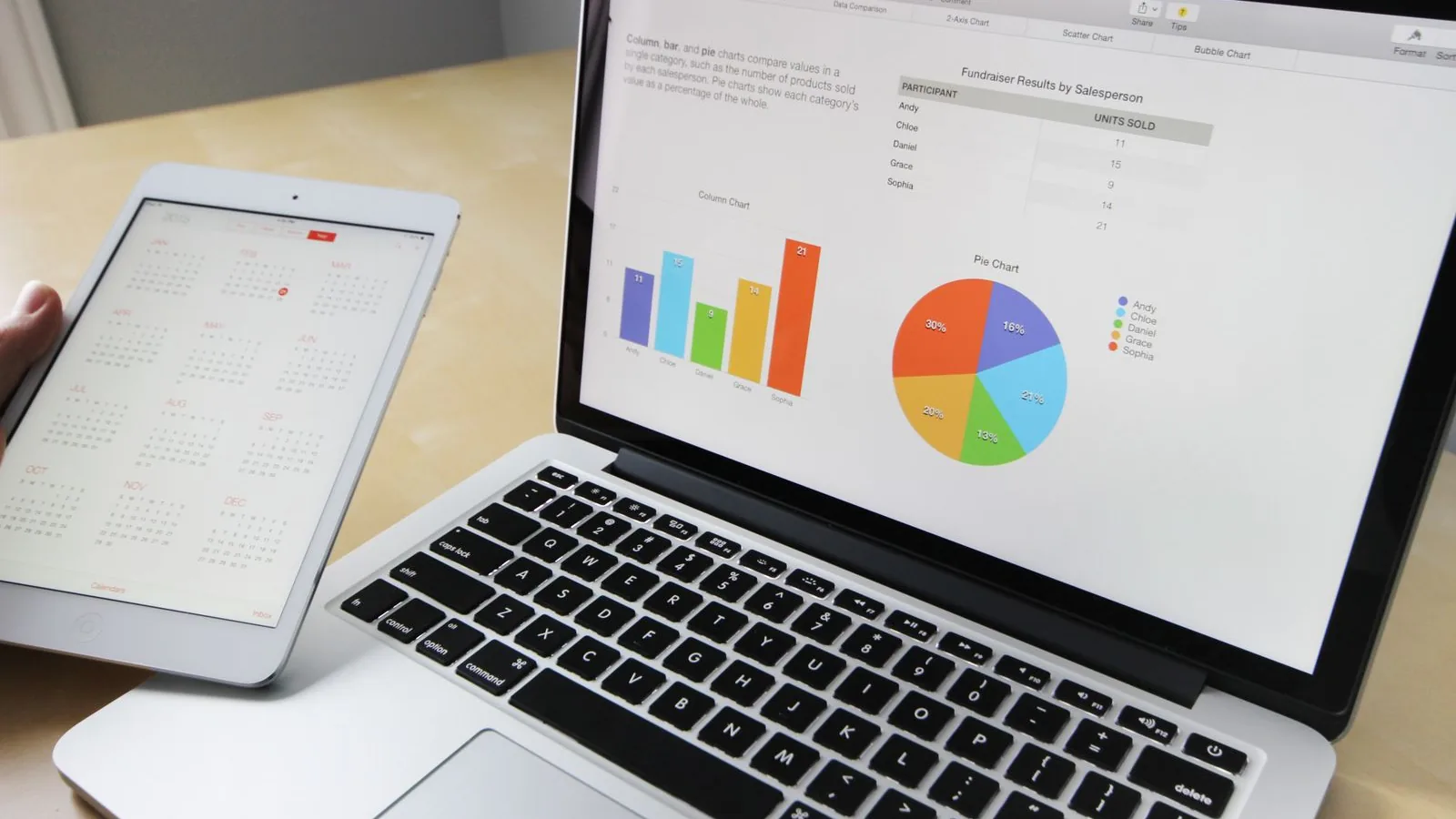
You cannot improve what you cannot see. Track calls, form submissions and bookings. Then you know which pages create leads and which waste attention. Clear reporting turns guesswork into decisions you can act on.
How to use this checklist
Do not try to fix all 12 items at once. Open your website analytics and find your three busiest pages. Run those pages against the checklist first. A headline tweak or a shorter form on a high-traffic page moves more leads than a full redesign of a page nobody visits.
Check one item, make the change, then watch your enquiries for a week or two. Small, steady fixes add up. That is how a website goes from a quiet brochure to a page that brings in work.
Turn your website into a lead source
Run through this small business website checklist one item at a time, starting with the pages that already get visits. Most owners find quick wins in the headline, the form and the call to action. Those three fixes alone often lift enquiries without any extra spend on traffic.
Want a second set of eyes on your site? Talk to the team at Circular Marketing about web development that is built to convert. We will show you what to change first.
Frequently asked questions
What is a small business website checklist?
It is a short list of the parts a website needs to turn visitors into leads. This one covers 12 items, from a clear headline and call to action to fast pages, trust signals and conversion tracking. You use it to check your site and fix the weak points.
Why is my website getting traffic but no leads?
Usually the page does not make the next step clear. Common causes are a vague headline, a hidden phone number, a long form, slow pages or weak proof. Check your busiest pages against the checklist to find where ready buyers drop out.
How many pages does a small business website need?
Most small businesses do well with a home page, one page per main service, an about page and a contact page. Add service-area pages if you cover several suburbs. Focus on clear, useful pages rather than a large count.
Does my small business website need to be mobile-friendly?
Yes. Most small business visits come from a phone. If buttons are hard to tap or text needs zoom, visitors leave. Test your own site on a phone and fix anything that is awkward to use.
How do I know if my website is turning visitors into leads?
Track calls, form submissions and bookings, then compare them to your visits. That gives you a conversion rate. Watch it by page so you can see which pages bring in work and which need a fix.