
A bargain website can look like a sensible shortcut. It has your logo, a few service pages and a contact form, so the job appears done. The cheap website problems usually surface later, when traffic arrives but calls and enquiries do not. The money saved during the build gets swallowed by weak conversion paths, missed searches, repair work and months of lead loss.
For an Australian small business, a website should help the right people find you, trust you and make contact. A low-fee build often covers the visible pages while leaving that commercial work unfinished.
What cheap website problems are hidden in the first quote?
The lowest quote usually buys a template, basic styling and a quick launch. Research, conversion planning, technical SEO, testing and post-launch support are often outside the scope. The site exists, but the parts that produce and measure enquiries remain thin.
A typical budget website may include:
- A pre-built theme with colours and fonts changed
- Copy pasted from a brochure or supplied by the owner
- One general services page instead of focused service pages
- A stock contact form with no delivery testing or tracking
- Desktop review with limited testing on real phones
- Little work on redirects, schema, metadata or search intent
A skilled developer can turn a sound theme into a fast, accessible site. Trouble starts when the template replaces discovery and planning. Your buyer’s questions and next step never shape the page.
Compare the scope with a proper digital strategy process. Strategy connects page structure to the services you want to sell, the suburbs you serve and the actions worth tracking. Without it, the designer makes layout decisions without a lead-generation plan.
Cheap website problems show up in speed, mobile use and conversions
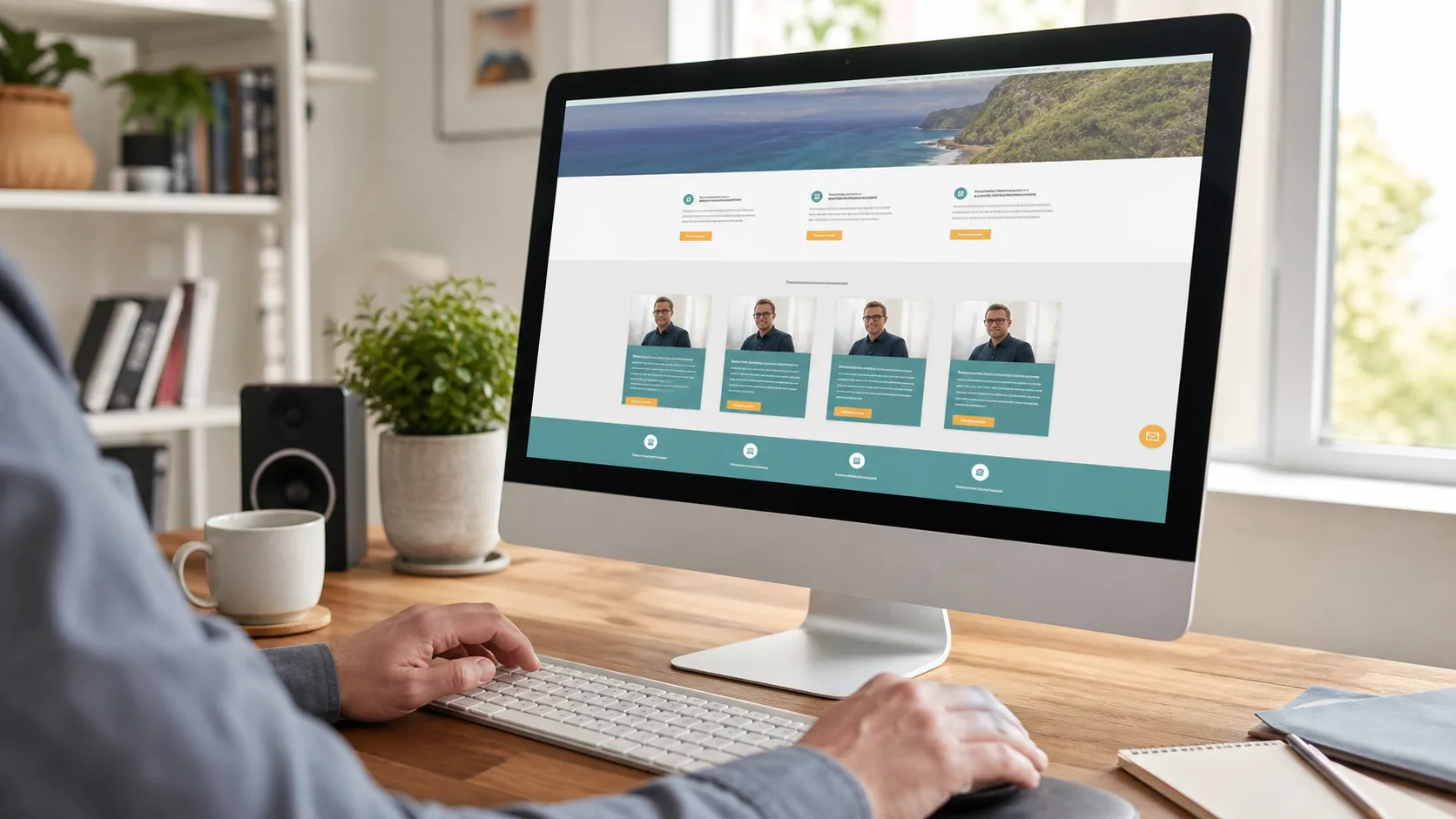
Slow pages, awkward mobile layouts and vague calls to action create friction before a visitor can enquire. Each problem removes a portion of the audience. Together, they can turn healthy traffic into a quiet inbox.
A fast office connection hides a slow mobile site
Large hero images, heavy page builders, unused scripts and crowded plugin stacks are common cheap web design risks. The site may feel acceptable on the builder’s computer and drag on a phone using an average mobile connection.
Google measures user experience through Core Web Vitals, including loading speed, responsiveness and visual stability. Google publishes case studies linking better Core Web Vitals with stronger commercial results. Speed affects the person waiting to see your phone number, far beyond a score in a testing tool.

Mobile problems block ready buyers
A service customer may be standing beside a leaking pipe, a damaged car or a locked shopfront. They need a tappable phone number and a short path to action. Tiny buttons, overlapping text, intrusive pop-ups and long forms make that path harder.
Run the site on several screen sizes before launch. Check the navigation, forms and tap-to-call links. Circular Marketing’s small business website checklist gives you practical conversion checks for pages already receiving traffic.
A pretty page can still lose enquiries
Conversion work starts with visitor intent. A buyer wants to confirm what you do, whether you serve their area, why they should trust you and how to take the next step. Generic slogans and stock photos answer none of those questions.
Strong pages use a clear service promise, local proof, relevant reviews and one primary call to action. They also track form submissions and phone clicks. If your current site attracts visits without action, use this diagnostic on getting more leads from your website.
Why cheap websites fail at SEO and security
Search visibility and security depend on technical work that visitors rarely see. Bargain scopes often skip page mapping, crawl controls, redirects, structured data, update routines and recovery planning. Those gaps can limit rankings or create avoidable business risk.
SEO needs more than a plugin
Installing an SEO plugin does not create a search strategy. Google still needs clear page topics, useful copy, descriptive titles, internal links, clean URLs and a site that its crawlers can read.
A single page listing every service gives search engines little detail to match with specific queries. A planned site gives each core service enough room to answer buyer questions. See how SEO services for Australian businesses connect technical checks, content and authority work.
DIY website problems often begin here. Builders make publishing easy, but their prompts cannot decide which service deserves a page, which query signals buying intent or how a redesign should preserve existing rankings.
Security needs an owner and a routine
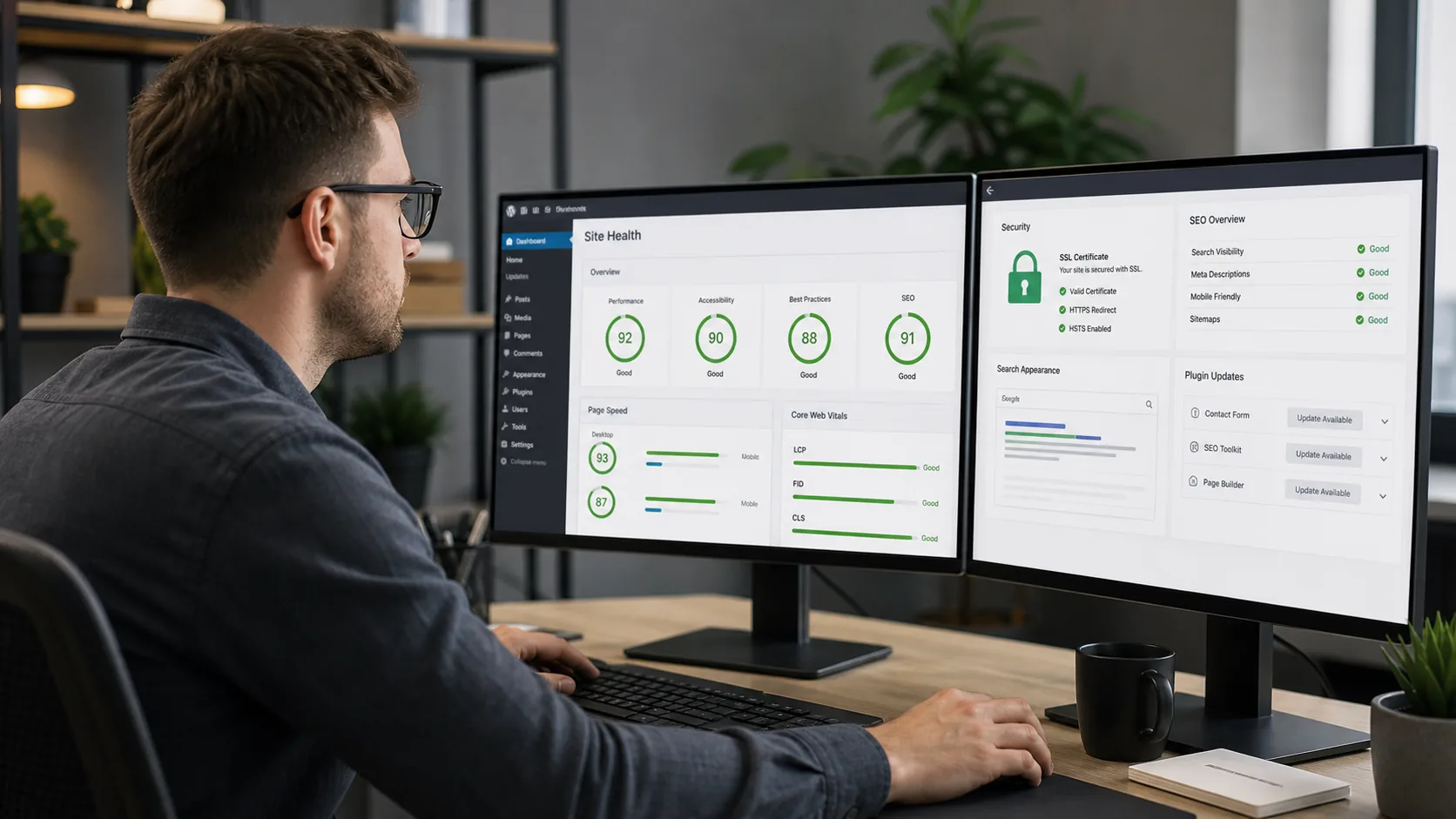
Every business site needs named responsibility for software updates, backups, access control, malware monitoring and recovery. The Australian Cyber Security Centre advises small businesses to protect websites from hijacking and keep systems updated in its small business cyber security guidance.
Ask who updates the content management system and plugins after launch. Confirm where backups sit, how often they run and how a restore is tested. A vague answer means the risk has been passed to you without a plan.
Ownership and lock-in traps can follow you for years
Some low-fee packages keep the domain, hosting account, theme licence or page-builder access under the supplier’s control. Moving later becomes slow or impossible. You may own the words and logo while lacking the access needed to operate the site.
Before signing, confirm in writing that your business controls:
- The domain registration and DNS
- The hosting account or a full, portable site backup
- Administrator access to WordPress or the chosen CMS
- Analytics, Search Console and tag-management accounts
- Original design files, licensed assets and written content
- The right to move the site to another provider

A closed platform may suit a simple brochure site, but exporting it can mean rebuilding from scratch. Professional web development should leave you with documented access and a practical handover.
What a properly built website returns
A proper build gives your team a measurable path from search or ad click to enquiry. It also creates a base that can be improved as your services, campaigns and customer questions change.
The return appears in several places:
- More qualified enquiries: focused pages speak to a specific need and set expectations before the call.
- Better use of marketing spend: SEO and advertising send visitors to pages built around the same intent.
- Faster decisions: clear proof, service details and next steps remove doubt.
- Useful measurement: conversion tracking shows which pages and campaigns produce contact.
- Easier growth: clean structure supports new services, locations and content without another rebuild.
Good small business web development joins design, copy, code and measurement. Teams can review search terms, form completions and sales feedback, then fix the point where buyers hesitate.

Three-year website comparison
The first invoice shows only one part of the commitment. A three-year view should include repairs, rebuilds, lost leads, staff time and the effect on every campaign that sends people to the site.
| Three-year factor | Bargain build | Proper build |
|---|---|---|
| Initial scope | Template and basic launch | Research, UX, copy, development and tracking |
| Lead performance | Unknown because tracking is thin | Measured calls, forms and source data |
| Search growth | Limited page plan and technical setup | Search-led structure with room to expand |
| Maintenance | Reactive fixes and unclear ownership | Named routine, backups and update process |
| Change requests | Restricted by the theme or supplier | Planned components and documented access |
| Likely year-three position | Patchwork site or early rebuild | Improved site with performance history |
This is why the lowest opening fee can produce the heavier total outlay. Rework consumes staff attention while weak pages keep losing potential enquiries. A sound build spreads its value across every future campaign and content update.
A build-it-right checklist for small businesses
A good proposal explains how the website will win and measure leads. Before you approve a build, ask for the following answers in plain English.
- Who is the main customer, and what action should each core page produce?
- Which service and location pages belong in the launch plan?
- Who writes the copy, and how will it reflect real customer questions?
- How will the team test mobile layouts, forms, speed and accessibility?
- Which calls, forms and bookings will be tracked?
- Who owns the domain, hosting, CMS access, analytics and creative files?
- What maintenance, backup and recovery process starts after launch?
If a supplier cannot answer these questions, the brief is not ready. Circular Marketing can review the commercial plan before design begins through its strategic planning service.
Key takeaways for avoiding cheap website problems
- The visible design is only one part of a lead-generating website.
- Speed, mobile usability, messaging and tracking shape enquiry volume.
- SEO and security require planned technical work after launch.
- Your business should control its domain, accounts, content and site access.
- A three-year comparison exposes repair work and lost-opportunity risk.
Final thoughts
A bargain build becomes expensive when it sends ready buyers away unnoticed. If you want a website planned around search visibility and measurable enquiries, contact Circular Marketing for a website review.